
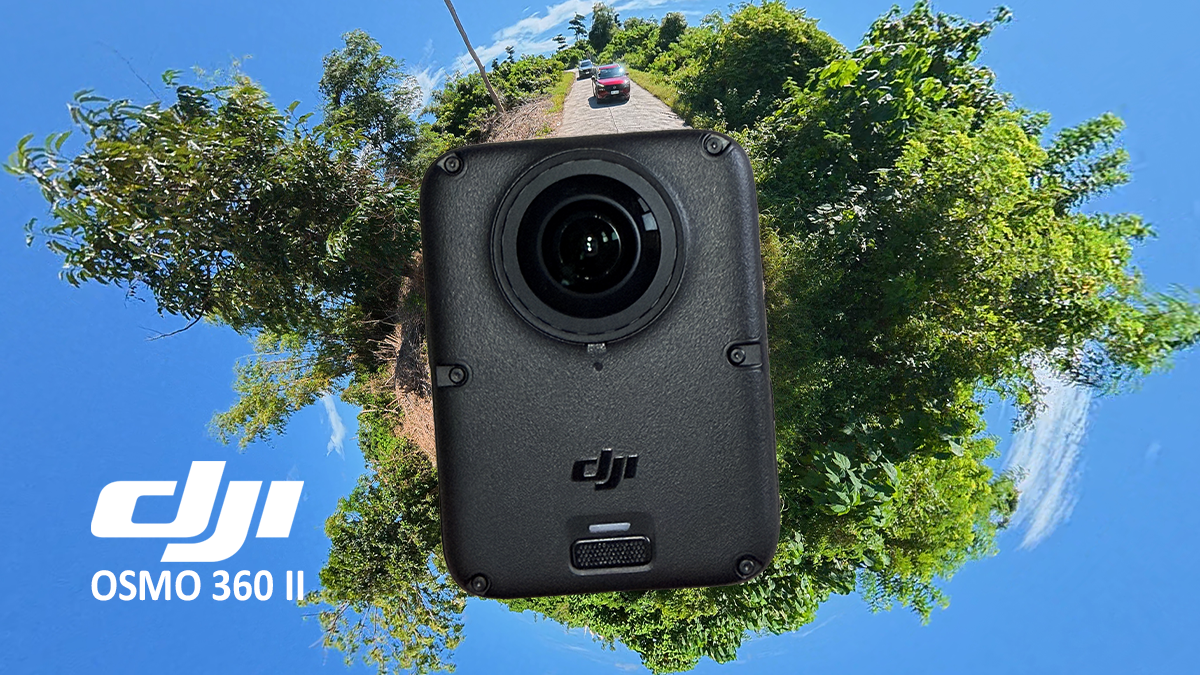
We recently got our hands on the latest version of DJI’s 360 camera, and it still earns its place in our camera bag.
In a nutshell, the DJI Osmo 360 II adds native 8K video at up to 60fps, improved low-light processing, and replaceable lenses. The two models share much of the same hardware and design, but the most significant changes are under the hood.
DJI Osmo 360 vs. Osmo 360 II: Specifications
| Feature | DJI Osmo 360 | DJI Osmo 360 II |
| Maximum 360 video resolution | Up to 8K at 50fps | Native 8K at up to 60fps |
| Photo features and format | JPEG | HDR photos; JPEG/RAW |
| Claimed dynamic range | 13.5 stops | 14.5 stops |
| Battery capacity | 1,950 mAh | 2,150 mAh |
| Connection method for Mimo app | Search and connect through the Mimo app | NFC Quick Connect |
| Low-light processing | SuperNight Mode | AI SuperNight 2.0 |
| Lens design | Fixed lenses | Replaceable lenses |
Design and handling
At first glance, the Osmo 360 II looks like an evolution of the original, not a ground-up redesign. DJI has kept the familiar upright form, with a lens on either side of the body. The dimensions and overall layout remain the same.
The differences are mostly cosmetic: the color of the DJI logos and buttons has changed, and the latest model has visible exterior screws that give it a more industrial look. Both cameras have the same number of microphones, though the Osmo 360 II’s rear mic now sits behind a windproof mesh.
The biggest physical change is the move to replaceable lenses—a particularly useful upgrade for people who shoot action regularly. We’ll come back to that.
Both models retain the quick-release design, with magnetic attachment on either side, as well as a 1/4-inch thread for DJI Osmo accessories and standard camera gear.
The most significant changes are under the hood.
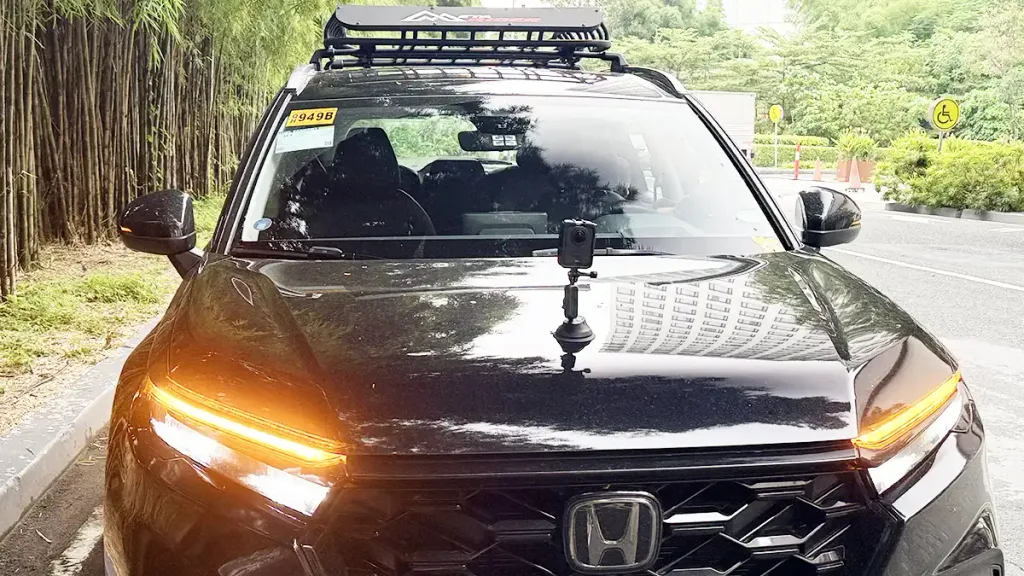
A 360 camera for the whole vehicle
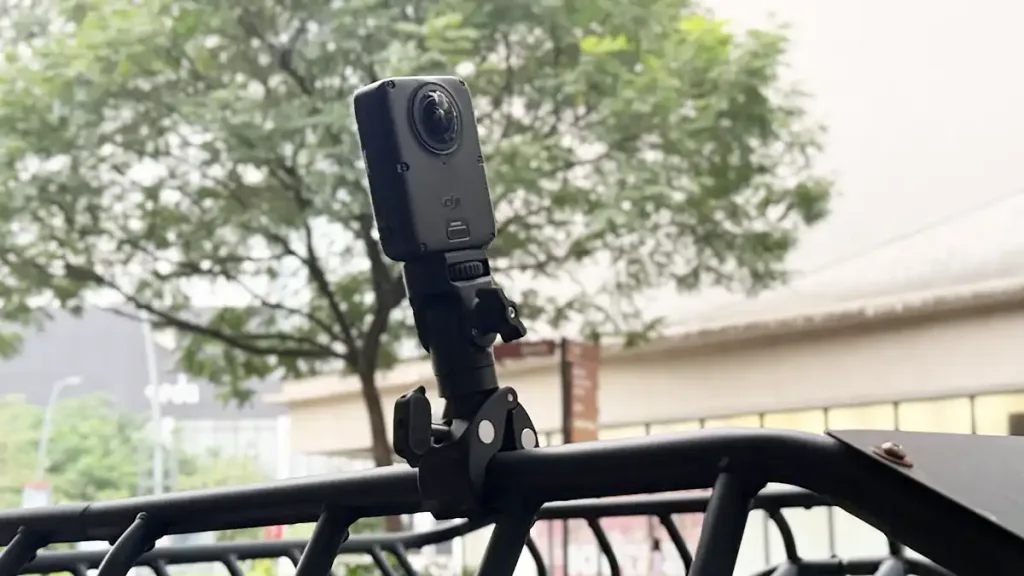
The Osmo 360 II is compact and easy to attach to compatible mounts, extension poles, and tripods.
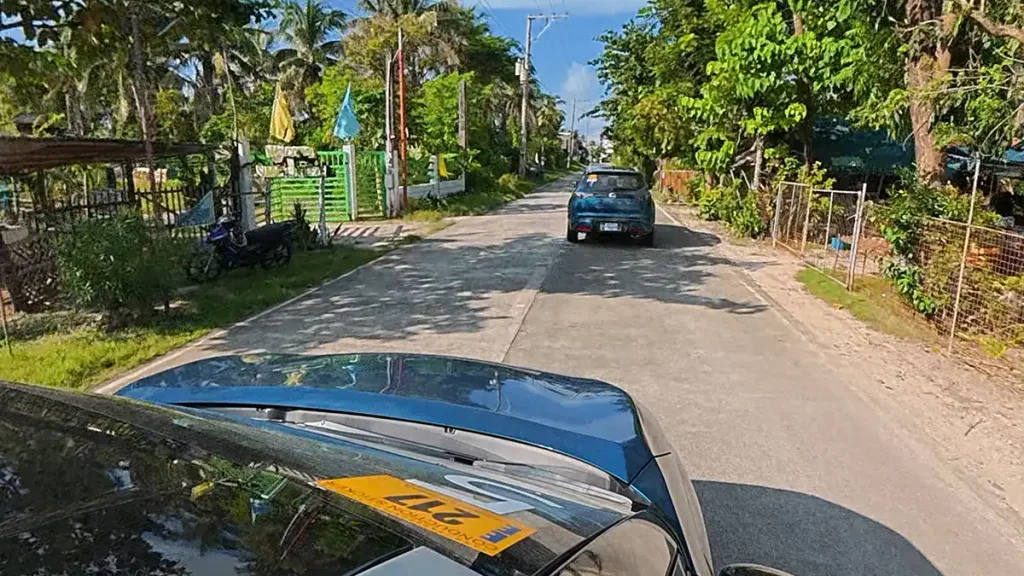
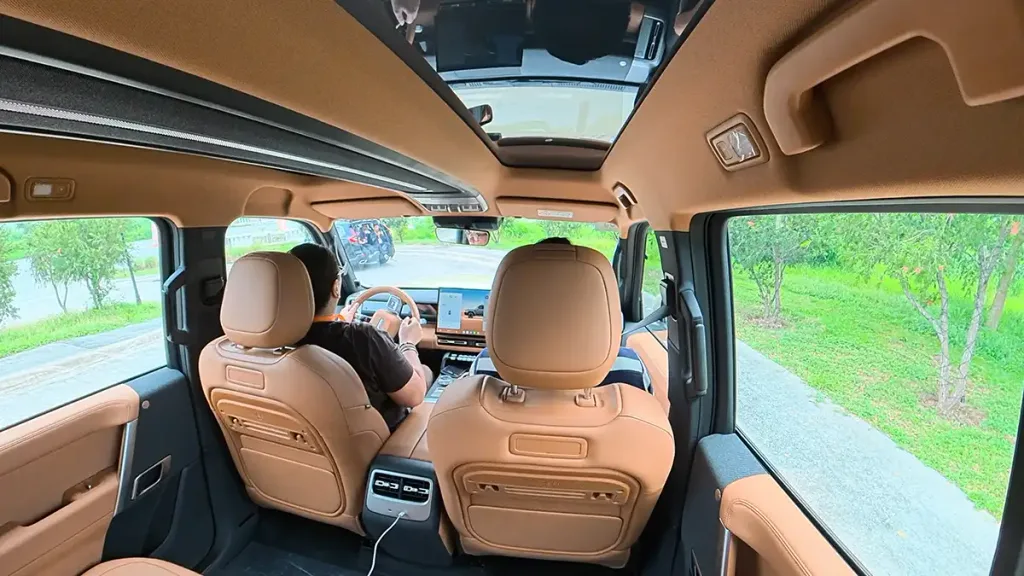
In a car, a 360 camera offers more framing options than a conventional dash-mounted camera—or even a one-way action cam. You can record a drive once, then choose later whether to show the road, the driver, the cabin, or the scenery outside. For a vehicle review, that means capturing the interior, the driving experience, or a stretch of road without repeatedly repositioning the camera. You can also use it to shoot rollers, with one vehicle tracking another.
The same adaptability applies to two-wheeled vehicles. On winding roads and scenic routes, it’s not always clear in advance which direction will make the best shot. With the Osmo 360, you can reframe the footage later as a forward-facing view, a shot of the rider, or a wider scene.
Replaceable lenses are useful for frequent use
The Osmo 360 II’s replaceable lenses are a meaningful upgrade for creators who use the camera often. Both lenses are exposed, so scratches or impact damage can affect the image, causing flare, soft spots, or stitching problems.
Replaceable lenses don’t make the camera indestructible, but they can make damage quicker and easier to address than it would be with a camera that has fixed lenses. That could be especially handy if a lens gets damaged while you’re on location or in the middle of a road trip.
8K/60fps gives editors more flexibility
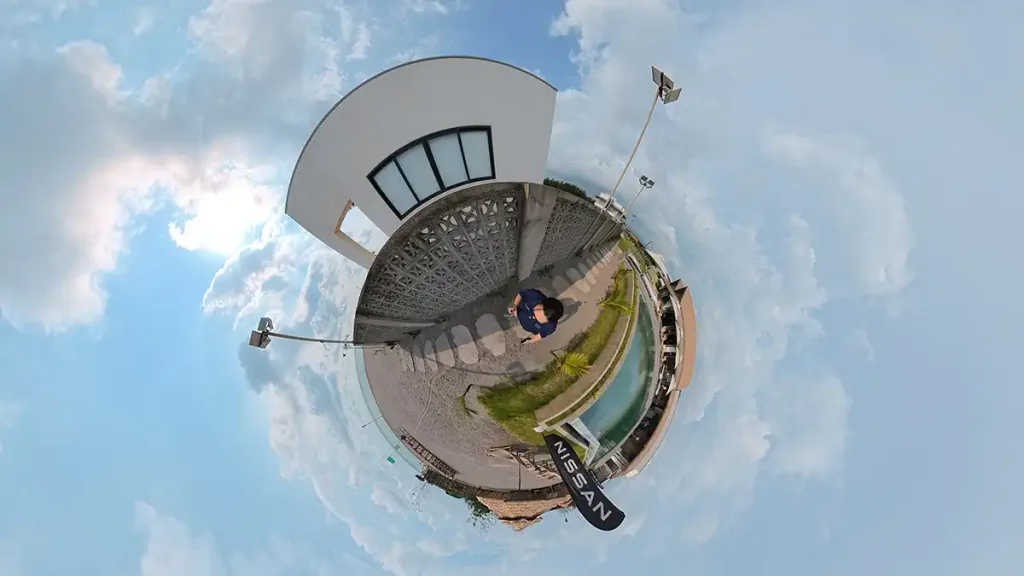
The Osmo 360 II can record native 8K 360-degree video at up to 60fps. The resolution gives editors more room to reframe footage for standard horizontal or vertical video, while the higher frame rate can make fast-moving scenes look smoother.
That flexibility comes in handy when filming moving vehicles, track days, motorsport events, road trips, or even vehicle walkarounds. You can capture the entire scene and choose the angle later. Or, using one of the DJI Mimo app’s newer features called Dual Recording, you can show views from the front and rear lenses on the same screen at the same time, either in Mini Window or Dual Screen mode.
The benefits are most apparent when you plan to crop heavily, follow action across the frame, or show the footage on a larger screen. For short clips watched on a phone, they may matter less.
Dynamic range for changing light
DJI claims up to 14.5 stops of dynamic range for the Osmo 360 II. In practice, more dynamic range should help retain detail in both bright highlights and dark shadows.
That can be useful on a route that shifts between direct sunlight, shade, tunnels, tree cover, and brightly lit streets. In a car, the camera may also have to handle the difference in brightness between the cabin and the view outside the windows.
AI SuperNight 2.0 for evening drives
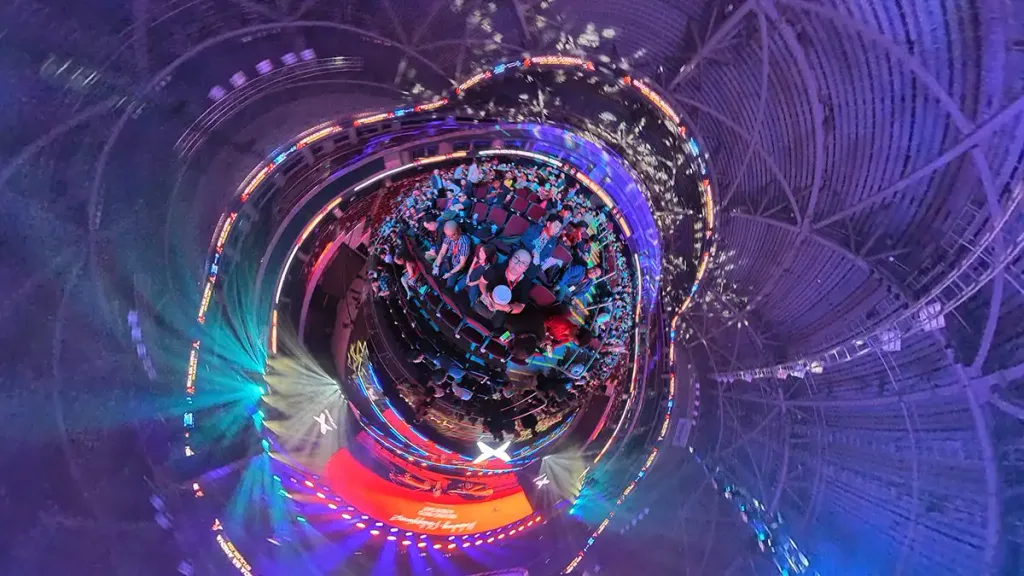
The Osmo 360 II adds AI SuperNight 2.0 processing for low-light recording. It’s useful for evening drives, city scenes, events, and travel footage after dark.
Low light is still a challenge for small 360 cameras because noise, smearing, and uneven exposure can become more obvious when you reframe the footage. AI processing helps, but it can’t overcome the limits of darkness, movement, or a small camera. Think of SuperNight as improved image processing, not night vision.
Storage: unchanged, but still useful
The Osmo 360 II retains the original’s 105GB of usable built-in storage, which avoids the hassle of misplaced or corrupted memory cards. The capacity hasn’t changed, but it’s worth noting that memory card prices have more than doubled since the first Osmo 360 launched, so any built-in storage is welcome.
Audio, battery, and heat
Both the Osmo 360 and Osmo 360 II record 48 kHz, 16-bit AAC audio through a four-microphone array spread across the body. There are two pinhole mics on top, one beneath the screen for selfies, and one at the back. On the Osmo 360 II, the rear mic’s new windproof mesh helps reduce wind noise—a welcome improvement when narration and ambient sound might otherwise be drowned out, especially on a motorcycle or with the camera mounted outside a car.
The built-in mics work well for ambient sound and casual conversation, but for presentations or interviews, you’re better off connecting a compatible microphone. In theory, both models should work with the full DJI Mic range. However, we’ve only tested them with the DJI Mic 2, Mic Mini, and Mic Mini 2, which we currently own.
Battery life and heat depend on the recording mode and conditions. Direct sunlight, high temperatures, long sessions, and enclosed mounting positions can make extended recording more challenging. The Osmo 360 II’s larger battery helps offset the power demands of its newer processor and more demanding recording modes. Its batteries are also still compatible with other cameras in the Osmo line, including the DJI Action 6.
Who can stick with the original Osmo 360?
Existing Osmo 360 owners may not need to upgrade right away if they mostly publish in 1080p or 4K, rarely shoot in low light, or don’t need 8K/60fps. But if you use a 360 camera professionally—or don’t own one yet and want to add it to your kit—the Osmo 360 II is an easy choice.
Philippine pricing
The DJI Osmo 360 II’s official Philippine prices are:
- Osmo 360 II Standard Combo: P32,490
- Limitless Riding Combo: P34,490
- Adventure Combo: P39,490
The Standard Combo is the most affordable entry point. The Limitless Riding Combo is aimed at motorcycle and cycling users, while the Adventure Combo includes extra accessories for outdoor shooting—items you’ll probably end up buying anyway.
DJI’s official online stores also offer substantial discounts from time to time, so it’s worth checking its pages on the various sales platforms.
What we think
The DJI Osmo 360 II is a substantial refinement, not a complete reinvention. Its biggest improvements are practical: native 8K/60fps recording, better dynamic range, AI SuperNight 2.0, 105GB of built-in storage, and replaceable lenses.
For new buyers, it’s the more capable option if those features suit the way you shoot. For current Osmo 360 owners, the upgrade makes the most sense if you need the higher frame rate, regularly film in challenging light, or want the convenience of replaceable lenses. If you mainly shoot short clips and are happy with the original, there’s little urgency to switch.
At P32,490 for the Standard Combo, the Osmo 360 II isn’t an impulse purchase. It’s better viewed as a specialized tool for creators—one that can replace several cameras in a solo shooter’s kit or work alongside conventional cameras as a quick alternative point of view. Just be ready for more editing than usual and larger files.